Small Business WiFi, Made Simple.
Control your business WiFi network using world-class mesh WiFi hardware combined with easy-to-use business software designed for small businesses — all managed from any device.
EVERYDAY VALUE
eero for Business
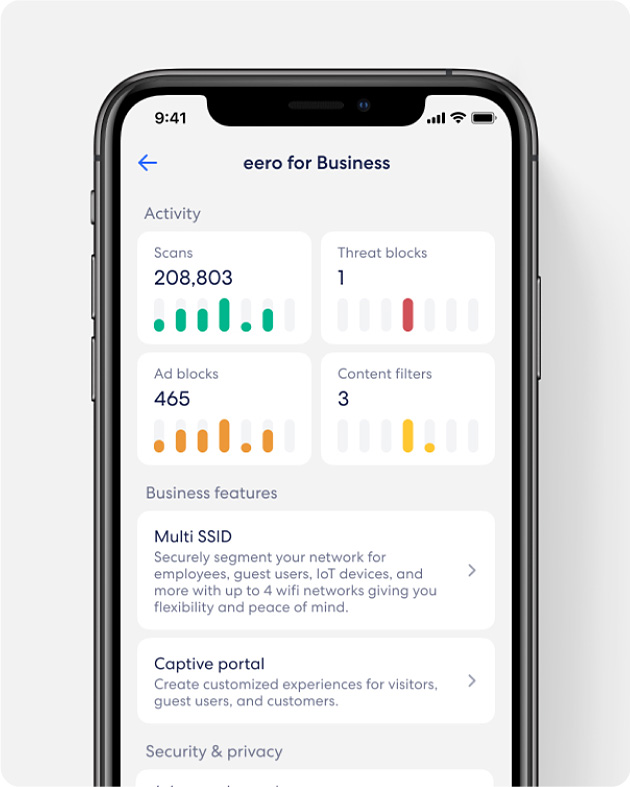
- Business customization
- Branded guest WiFi
- Create up to 4 networks
- Set user restrictions
- Advanced WiFi security
Your WiFi, Your Way.
Get the reliability, security and speed your workplace needs.
- Simple setup and easy
to manageeero for Business is easy to setup and manage, even for non technical users. Step by step, in app instructions guide you through the process.

- Create a customized guest
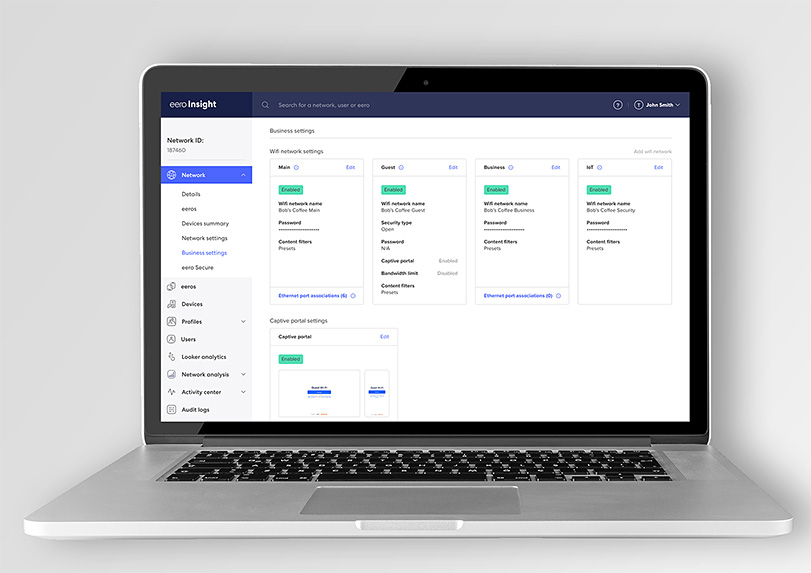
WiFi experienceA captive portal enables businesses to create a customized guest WiFi experience. Brand the guest WiFi login screen with your businesses unique branding.
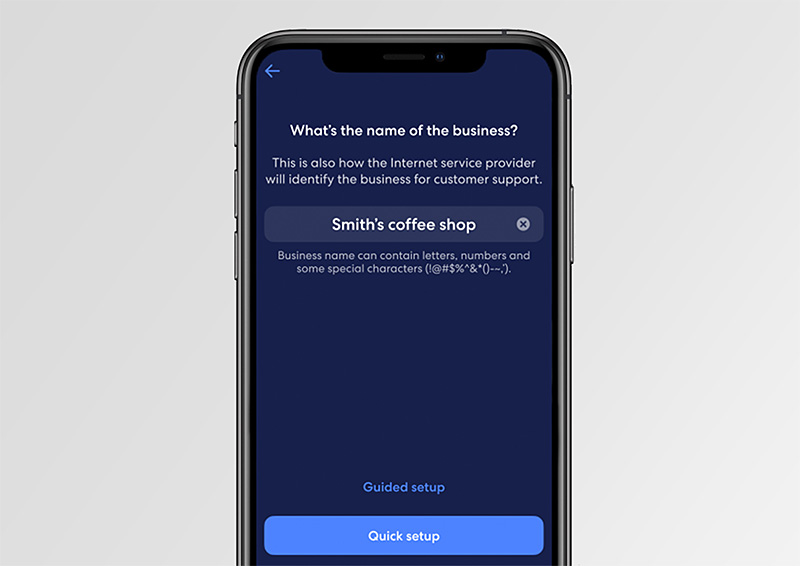
- Create up to four
different networksMulti SSID provides additional security on your network by giving you the ability to create up to four SSIDs. Now you can keep your customers, business-critical devices, point-of-sale equipment and loT devices all on seperate networks.
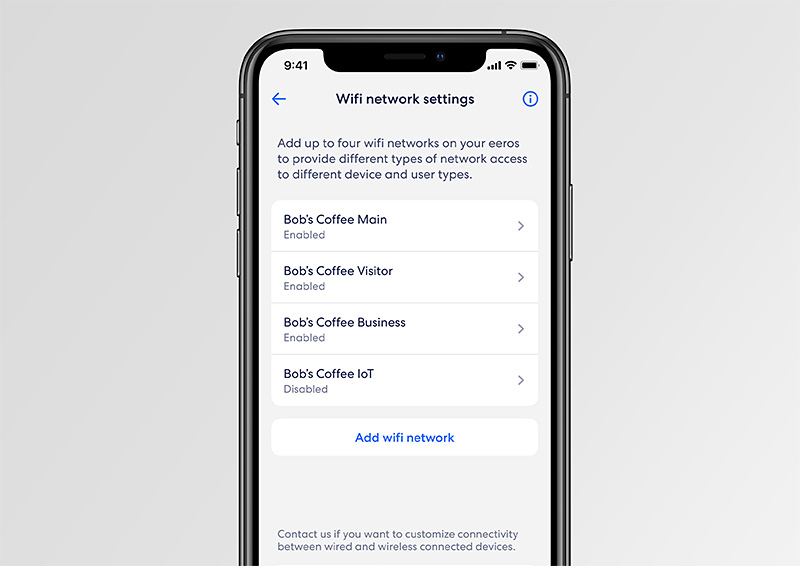
- Set guest WiFi usage limits
Leverage custom controls to set bandwidth and session duration limits for guest WiFi users.
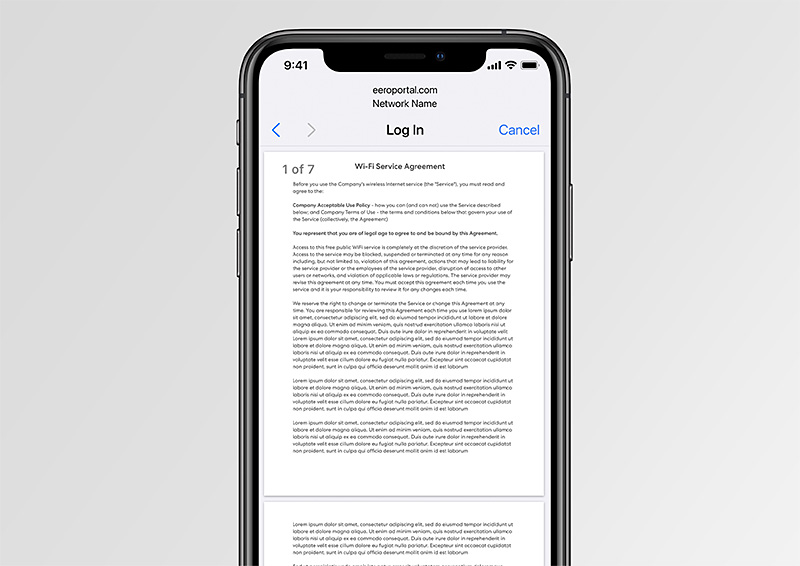
- Account portal
Monitor your analytics with eero Insight, your account portal available on desktop and mobile. Manage multiple networks, devices, and your eero for business account all in one convenient location.
What You Need To Know.
- Sets up in minutes and is easily managed in the eero app
- Intuitive and reliable—no need for IT
- Securely handles sensitive information
- Reduces WiFi drop-offs and dead spots
- Internet backup keeps your WiFi up and running even if your ISP connection goes down
Welcome to ProFi Max.
The newest member of our WiFi family has arrived - Blue Ridge ProFi Max. It's the most robust version of ProFi, using WiFi 7 technology to deliver incredibly fast internet speeds. Engineered for maximum performance, it boasts expanded coverage and additional ports, ensuring seamless connectivity for all speeds and devices. Welcome to the future of ProFi!
Let's Do This.
Set your small business up for success. Manage Blue Ridge ProFi the smart way, with eero for Business.
Offer Details
© 2024 Blue Ridge Communications. Blue Ridge cabled territories only. All services are not available in all areas. Franchise fees, taxes and FCC fees may apply. A subscription to ProFi is required to add eero for Business.