Router Placement 101: Avoid These Common Mistakes
Router Placement Tips & Tricks
A fast internet plan is only part of the equation, router placement can significantly impact your WiFi performance. If you use an eero device or Blue Ridge HomeFi, a few simple placement adjustments can help improve coverage, reduce dead zones, and create a more reliable connection throughout your home.
Why Router Placement Matters
WiFi signals travel through the air to reach your devices. Walls, furniture, appliances, and even certain building materials can weaken that signal along the way. While eero devices are designed to provide strong coverage throughout your home, placing them in the right location helps ensure the best possible performance.
Understanding Your eero System
Before optimizing your router placement, it helps to understand how HomeFi works with eero mesh WiFi. Instead of relying on a single router to reach every corner of your home, HomeFi adds eero mesh WiFi extenders throughout your house to help create a stronger, more consistent connection. By strategically placing eero devices around your home, you can extend your WiFi coverage and enjoy a more reliable connection wherever you need it most.
If you're new to eero or want to learn more about its features, check out our guide: What Is eero? Features, Benefits & FAQs.
Mistake #1: Hiding Your Router
Many people tuck their router away inside a cabinet, entertainment center, closet, or behind furniture to keep it out of sight. Unfortunately, this can block WiFi signals and reduce coverage throughout your home.Instead, place your eero device in an open area where the signal can travel freely.
Mistake #2: Putting Your Router in a Corner
Routers send signals in every direction. If your eero is placed in a far corner of your home, some of that signal may be wasted outside rather than reaching your devices. For best results, position your primary eero near the center of your home. Homes with Blue Ridge HomeFi and multiple eero devices can enjoy more flexible placement while maintaining strong, consistent coverage throughout the house.
Mistake #3: Placing It Too Close to Obstructions
Large furniture, metal objects, and thick walls can interfere with WiFi signals. We've even seen situations where customers experienced connectivity issues because their eero device was located near large fish tanks or thick glass doors. Yes! This happens. Keep your eero away from large obstructions.
Mistake #4: Setting It on the Floor
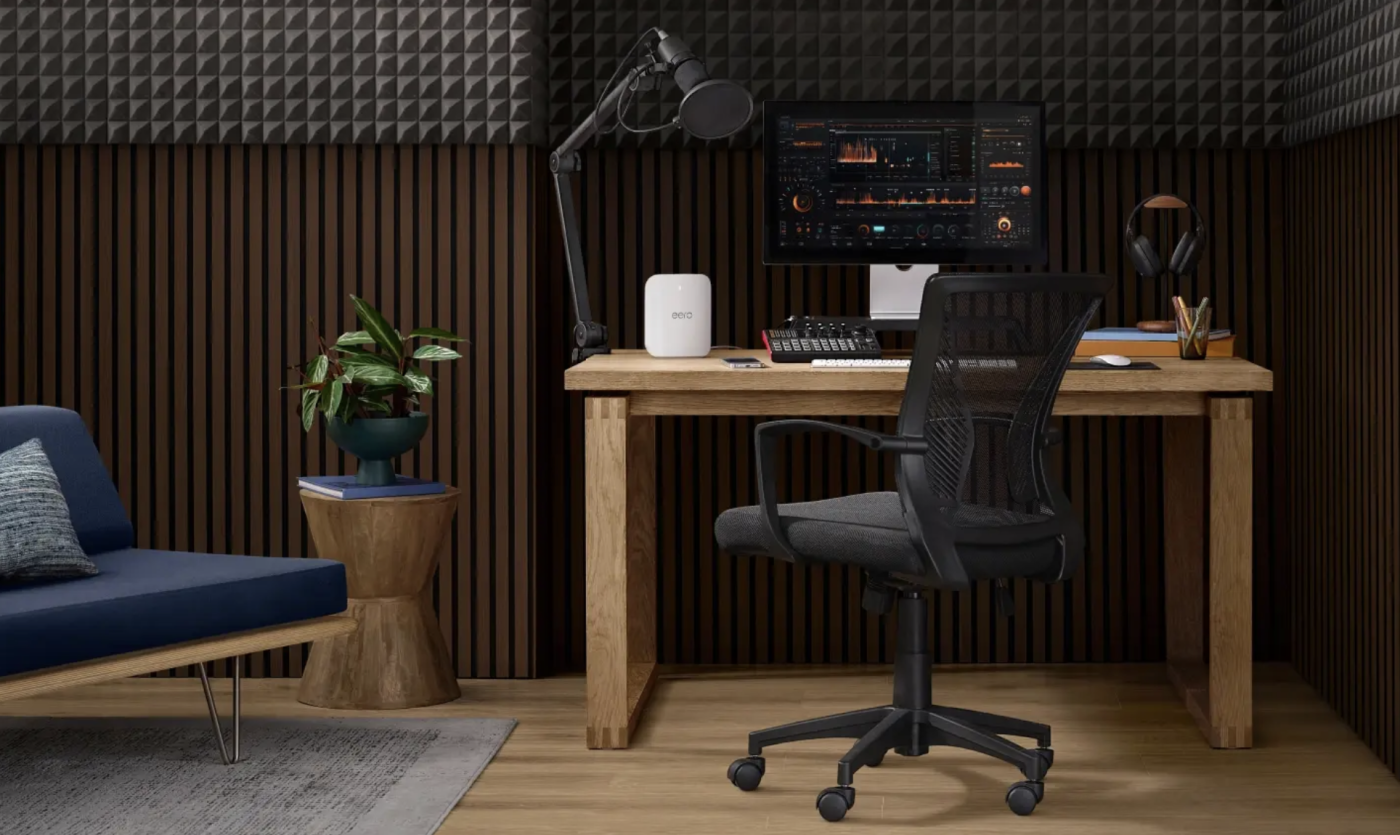
While your eero will still function on the floor, placing it lower can limit how effectively the signal travels throughout your home. Place your eero on a shelf, desk, table, or media stand to help improve signal distribution.
Mistake #5: Keeping It Near Electronics
Devices such as microwaves, cordless phones, baby monitors, and other electronics can sometimes create interference that affects WiFi performance. Give your eero some space from other electronic devices whenever possible!
When Router Placement Isn't Enough
While proper router placement can significantly improve your WiFi experience, some homes simply need additional coverage. Multi-story homes, finished basements, detached garages, outdoor living spaces, and homes with thick walls can create challenges for even the best-placed router.
That's where a mesh WiFi solution can make a difference. Blue Ridge HomeFi, powered by eero, helps extend WiFi coverage throughout your home by using multiple devices that work together as a single network. Instead of manually switching networks, your devices stay connected to the strongest available signal as you move around your home.
Learn more about Blue Ridge HomeFi powered by eero and how it can help improve coverage in hard-to-reach areas.
Don't Forget About Outdoor Spaces!
Many people work, stream, and connect from patios, porches, garages, and backyards. If your WiFi signal struggles outside, router placement alone may not solve the issue. Blue Ridge HomeFi Outdoor, powered by eero Outdoor 7, can help extend reliable WiFi coverage beyond your home's walls so you can stay connected wherever you spend time.
Wrapping It Up
A few simple placement adjustments can help improve coverage, reduce dead zones, and create a more reliable online experience. Whether you're attending virtual meetings, streaming movies, gaming, or managing smart home devices, proper eero placement can help your network perform at its best.
If you're interested in learning more about Blue Ridge HomeFi or would like assistance with eero placement and WiFi optimization, our team is here to help. Contact customer service through our Contact Us page to discuss HomeFi installation options or get answers to your eero-related questions.