What is eero: Features, Benefits, & FAQs
A stable and fast Wi-Fi connection is necessary today, not a luxury. Whether working from home, streaming your favorite shows, or managing smart home devices, a reliable internet connection makes all the difference. That’s where eero comes in. But what exactly is eero, and why should you consider it for your home network?
What is eero?
Eero is a home Wi-Fi system designed to eliminate dead spots and provide seamless internet coverage throughout your home. Unlike traditional routers, eero uses mesh technology to create a network of multiple access points, giving you a strong Wi-Fi signal in every room.
Why eero is a Game-Changer
Mesh Technology
Traditional routers often struggle to cover large homes, leading to areas with weak or no signal. Eero’s mesh technology uses multiple units placed around your home to create a robust network. This means no more dead zones, even in hard-to-reach places like basements or attics.
Easy Setup
Setting up new tech can be intimidating, but eero makes it simple. With the eero app, you can set up your entire Wi-Fi network in under 10 minutes. The app guides you through the process, from placement of the units to network configuration.
Enhanced Security
Security is a big deal when it comes to home networks. Eero offers advanced security features, including automatic updates, WPA2 encryption, and eero Secure, which provides additional layers of protection against online threats.
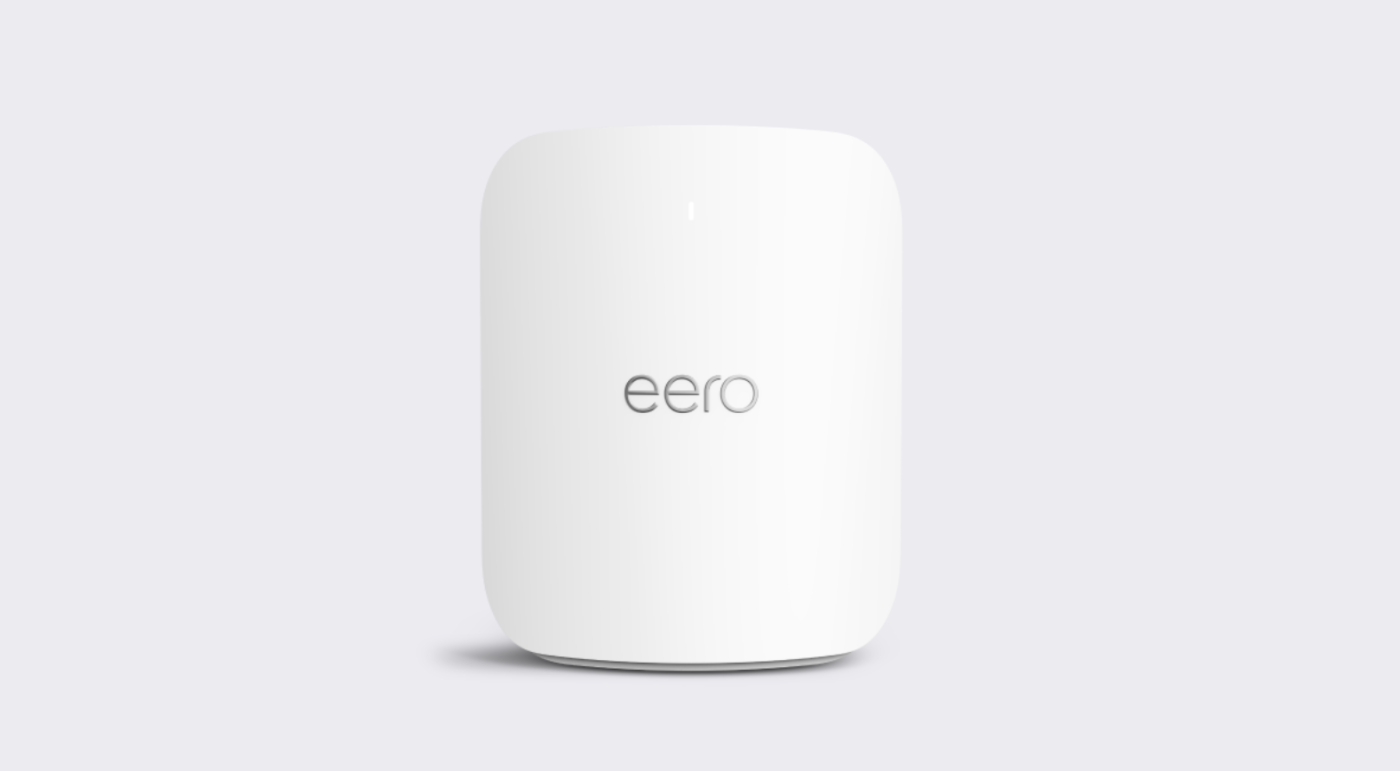
Blue Ridge and eero
If you’re a Blue Ridge customer, you’re in luck. Blue Ridge offers eero as part of our HomeFi service, allowing you to take advantage of fast home internet and comprehensive Wi-Fi coverage. Learn more about HomeFi and how it can benefit you.
How eero Enhances Your Home Network
Seamless Connectivity
With eero, you can move from room to room without experiencing Wi-Fi drops. This is perfect for video calls, streaming, and gaming, ensuring a consistent and uninterrupted experience.
Scalability
Eero is built to grow with you. Start with one or two units and add more as needed. From apartments to multi-story houses, eero scales to fit your space perfectly.
Getting Started with eero
Installation Process
- Unbox Your Eero: Inside the box, you’ll find your eero units, power adapters, and an Ethernet cable.
- Connect to Your Modem: Plug one eero unit into your modem using the Ethernet cable.
- Power Up: Connect the eero units to power and wait for the LED light to turn solid white.
Use the Eero App: Follow the setup instructions on the eero app to complete the installation.
Optimizing Placement
To get the best coverage, place your eero units in central locations and avoid tucking them away in corners or enclosed spaces. The app will help you find the best spots for each unit.
eero Features in Detail
TrueMesh Technology
Eero’s TrueMesh technology is like having a super-smart network that keeps everything running smoothly. It reroutes traffic to avoid congestion, so even if you have a lot of devices connected at once, you’ll still get a fast and stable connection.
Parental Controls
Worried about screen time? Eero lets you set up schedules and even pause the internet on specific devices, giving you more control over how your family uses the internet.
Guest Networks
Eero makes it easy to create a separate network for guests. This keeps your primary network secure while still offering convenient access for visitors.
Addressing Common Questions
Is eero Compatible with My Internet Service Provider?
Yes, eero works with all major ISPs, including Blue Ridge. Whether you have cable, fiber, or DSL, eero can integrate seamlessly with your existing setup.
How Many eero Units Do I Need?
The number of units depends on the size and layout of your home. Typically, one eero unit covers up to 1,500 square feet. For larger homes, additional units may be required.
What If I Encounter Issues?
If you hit a snag, eero offers 24/7 customer support to help you out. Plus, the app has built-in diagnostic tools to quickly identify and fix problems.
Wrapping Up
Eero is changing how we experience home Wi-Fi by making it more reliable, secure, and easy to manage. Whether you’re a tech enthusiast or a homeowner seeking better connectivity, eero has something to offer. Don’t settle for spotty internet, upgrade your home network with eero today!