Making the Switch to Blue Ridge Mobile
Thinking about Switching Mobile Providers?
Whether you're looking to simplify your services, save money, or enjoy reliable nationwide coverage, moving your phone service to Blue Ridge Mobile is easier than you might think.
If you've been putting off the switch because you're worried about losing your phone number or setting up a new device, don't worry. With a little preparation, the process can be quick and seamless.
Why Switch to Blue Ridge Mobile?
Many customers choose Blue Ridge Mobile because it offers the convenience of keeping their internet and mobile services connected with a trusted local provider. Plus, you can enjoy reliable nationwide coverage while receiving support from a team that understands the communities we serve.
Can I Keep My Current Phone Number?
Yes! In most cases, you can keep your existing phone number when switching to Blue Ridge Mobile through a process called number porting.
If you want to keep your current number, you'll need a few details from your current provider when you place your order, including:
• Your current phone number
• Your current provider's account number
• Your porting or transfer PIN
• The name of your current provider
• The name or business name listed on the account
• The billing address associated with the account
It's important to have this information ready when you place your order. Providing accurate account details upfront can help prevent delays during the transfer process.
You'll also want to keep your current mobile service active until the transfer process is complete. Canceling your service before your number is transferred could result in losing your phone number.
Want a New Phone Number?
If you'd rather start fresh with a new number, that's easy too! No preparation is needed. Blue Ridge will assign you a new phone number when you place your order.
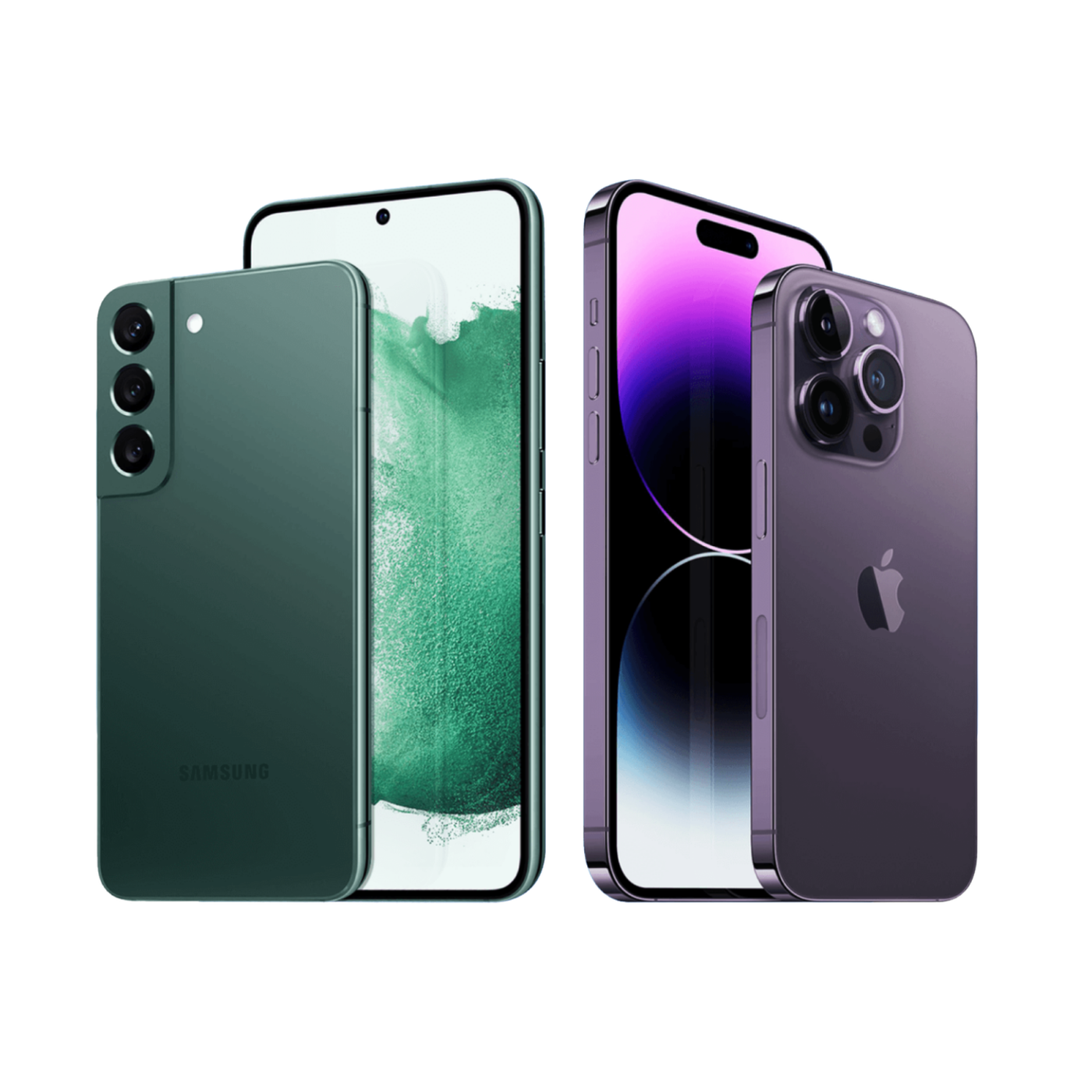
Check Device Compatibility
Before switching, you'll want to make sure your phone is compatible with Blue Ridge Mobile and unlocked by your current carrier, if necessary.
If you're bringing your own device, you'll also need your phone's IMEI number. Many carriers require a device to be fully paid off before they'll unlock it, so it's a good idea to check with your current provider ahead of time.
If you're purchasing a new device, simply choose the make, model, color, and storage size you'd like when placing your order.
Many customers can bring their existing devices, making the transition even easier. If you're unsure whether your device is eligible, Blue Ridge Mobile can help you verify compatibility before you begin the transfer process.
Prepare Before You Switch
A little preparation can help ensure a smooth experience. Having your information ready ahead of time can help avoid delays during the activation process. Remember to:
• Back up important photos, contacts, and data.
• Have your account information and porting PIN from your current carrier ready.
• Verify that your device is unlocked if required.
• Have your device's IMEI number handy if you're bringing your own phone.
• Keep your current service active until the port is complete.
How Long Does Number Transfer Take?
Transfer times can vary depending on the type of number you're transferring. Wireless number transfers typically take about 4 hours, while landline transfers usually take 1–3 business days.
Having your account information and transfer PIN ready when you place your order can help keep the process moving smoothly.
We're Here to Help!
Switching providers doesn't have to be complicated. Whether you're bringing your current phone, transferring your number, or setting up a new device, Blue Ridge Mobile can help make the process as smooth as possible.
For detailed information about switching your service, visit the Blue Ridge Mobile support article: Switching to Blue Ridge Mobile. If you have questions or would like assistance getting started, contact our team through our Contact Us page.